PicoCTF – Riddle Regsitry

Description
Hi, intrepid investigator! 📄🔍 You’ve stumbled upon a peculiar PDF filled with what seems like nothing more than garbled nonsense. But beware! Not everything is as it appears. Amidst the chaos lies a hidden treasure—an elusive flag waiting to be uncovered.Find the PDF file here
Hidden Confidential Document -> Challange file
and uncover the flag within the metadata.
Process
Click on the link to view the pdf. { In MacOs It will download automatically, where as in linux the pdf will open on the new tab}
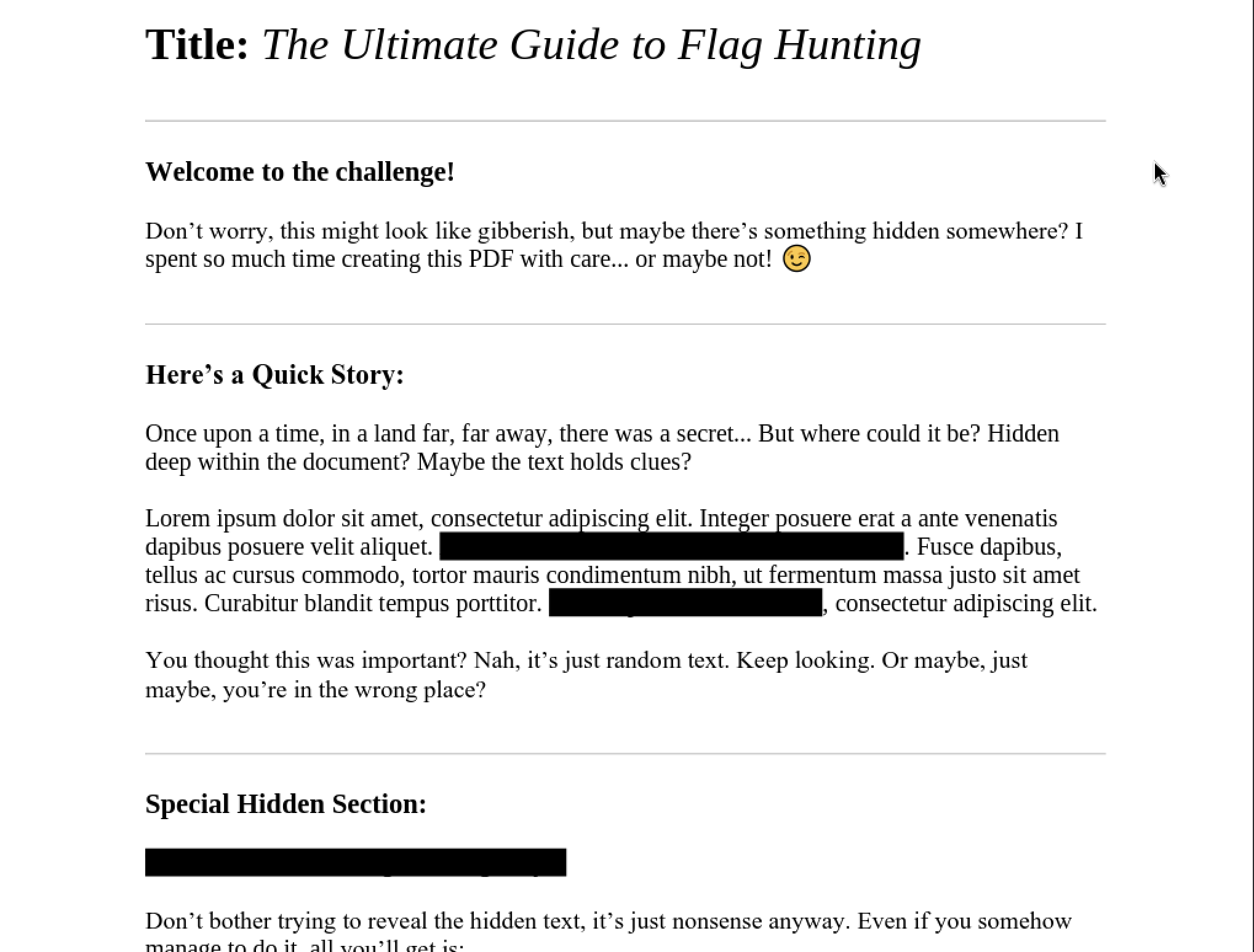
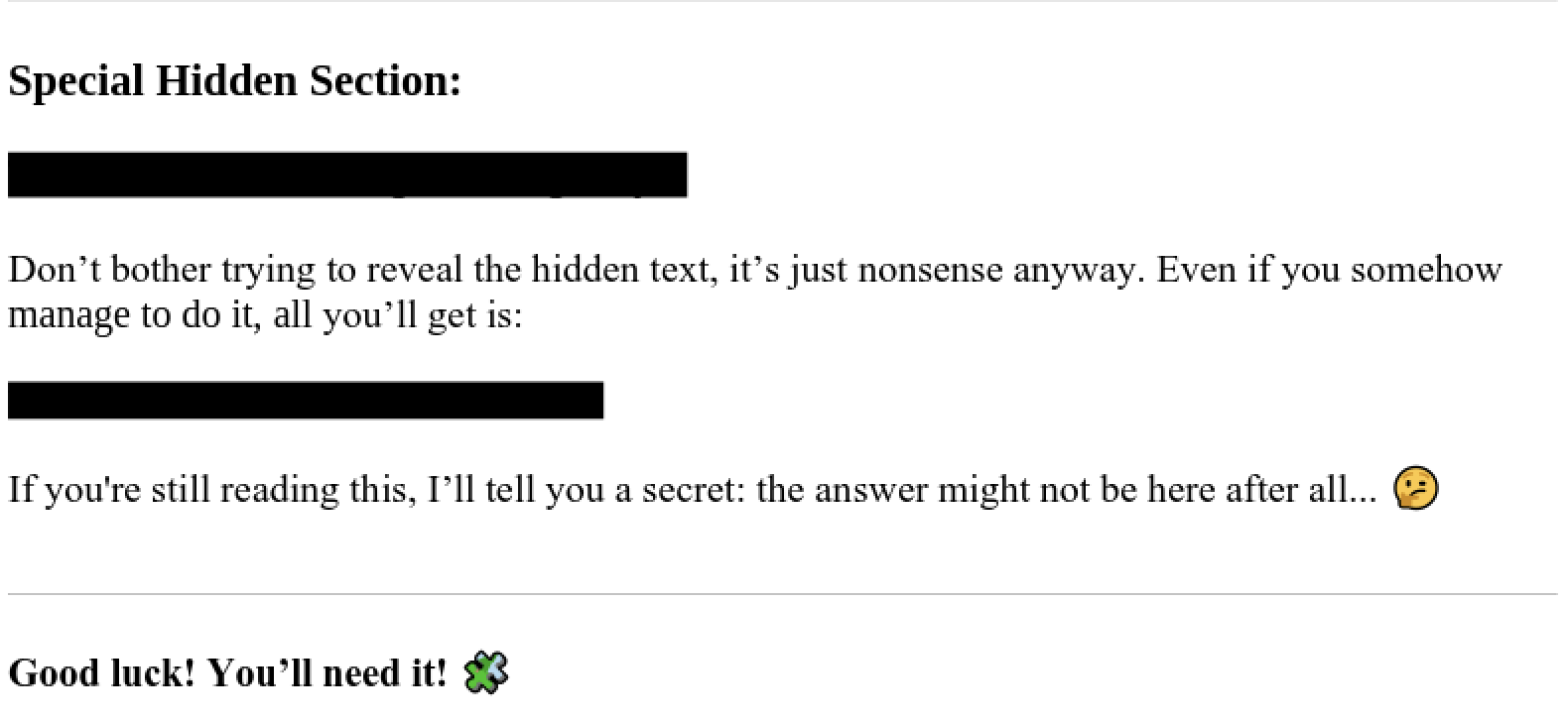
- Looking at these “blocked” messages through the “Developer Tools” revealed only one clue which is “The author have done a great and good job” while the rest is just bogus.
Download the file using the “wget” command and not through the “print” function { as this will strip out the information which is part of the challenge}
1
 wget https://challenge-files.picoctf.net/c_amiable_citadel/aa8b61ad4587052b730bc07906352e33d5a803f25708e2c8c115147039541a76/confidential.pdf
Using the “Exiftool” to reveal the meta data ( As mentioned in the CTF description)
1
 Exiftool confidential.pdf
Output
1
2
3
4
5
6
7
8
9
10
11
12
13
14
15
16
 ExifTool Version Number         : 13.36
 File Name                       : confidential.pdf
 Directory                       : .
 File Size                       : 183 kB
 File Modification Date/Time     : 2025:11:08 00:47:36+05:30
 File Access Date/Time           : 2025:12:08 12:41:50+05:30
 File Inode Change Date/Time     : 2025:12:08 12:41:50+05:30
 File Permissions                : -rw-rw-r--
 File Type                       : PDF
 File Type Extension             : pdf
 MIME Type                       : application/pdf
 PDF Version                     : 1.7
 Linearized                      : No
 Page Count                      : 1
 Producer                        : PyPDF2
 Author                          : cGljb0NURntwdXp6bDNkX20zdGFkYXRhX2YwdW5kIV9jYTc2YmJiMn0=
- Since the clue mentioned that the “The Author have done a great and good job” we look at the value of the Author which is basically encoded in “Base64” {If you want to know more about encoding methods you can take a look at this Cheat Sheet}
- Either Through Command Terminal or through the internet you can decode it.
1
2
3
4
5
echo "cGljb0NURntwdXp6bDNkX20zdGFkYXRhX2YwdW5kIV9jYTc2YmJiMn0=" > file.txt #You can give any file name you want

base64 -d file.txt # Decoding through Base64

picoCTF{puzzl3d_m3tadata_f0und!_ca76bbb2} #The Flag
Through Base64 website
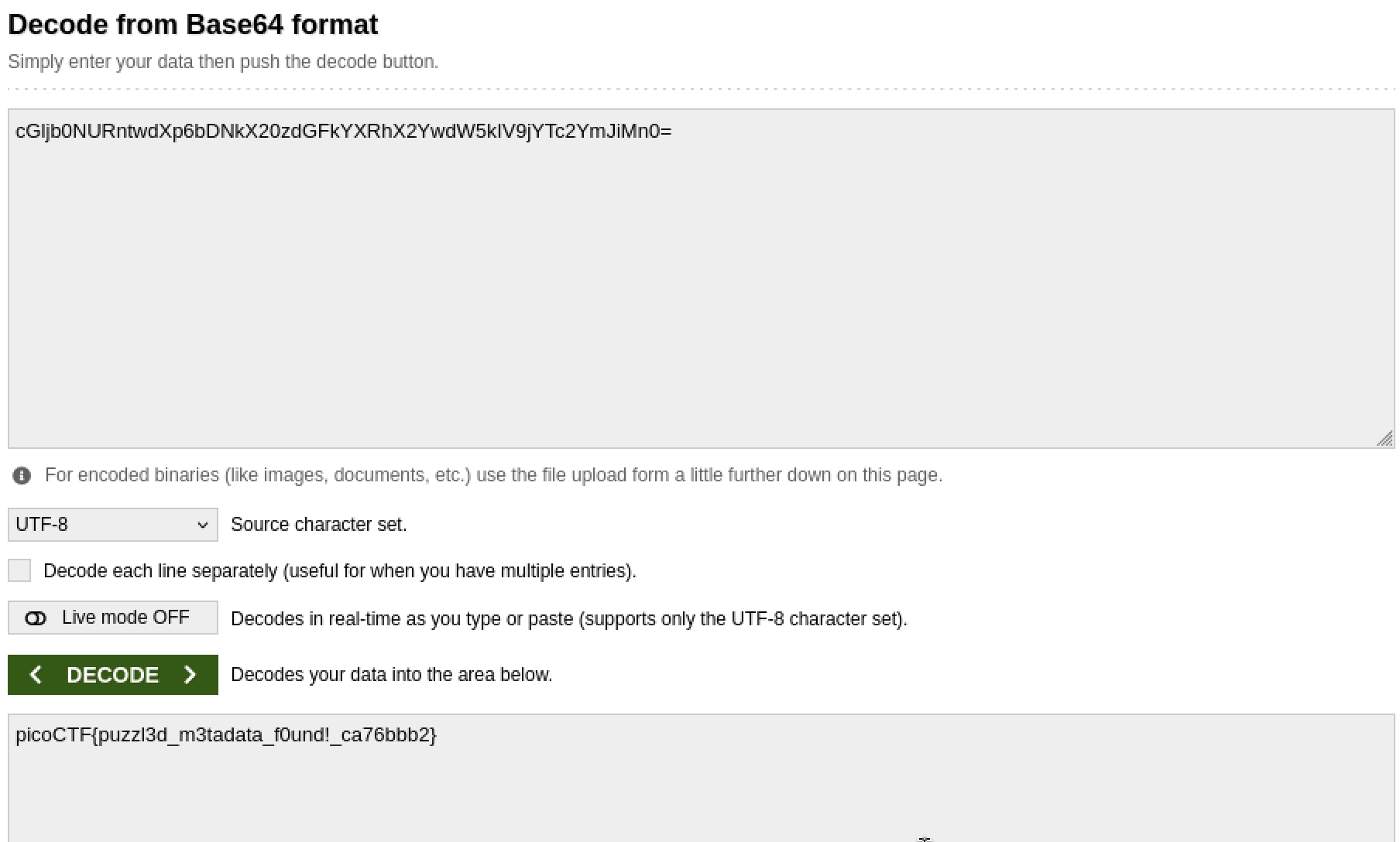
The Flag
1
picoCTF{puzzl3d_m3tadata_f0und!_ca76bbb2}