PicoCTF – Corrupted File

Challenge_Author: Jeffery John
Description
People keep trying to trick my players with imitation flags. I want to make sure they get the real thing! I’m going to provide the SHA-256 hash and a decrypt script to help you know that my flags are legitimate.
Additional details will be available after launching your challenge instance.
Provided Information
- Password to shell:
1ad5be0d Checksum:
1
2
  5848768e56185707f76c1d74f34f4e03fb0573ecc1ca7b11238007226654bcda
Decryption Command:
1
2
  ./decrypt.sh files/<filename>
Process
- Launch the instance from the website.
After launching the instance, a shell is provided by which I have to connect to it through my terminal.
1
 ssh -p <port number> <ipaddress> #Both Provided by the server itself
After connecting to the shell, I displayed the list of files in order to see what files are present.
1
 ls
Since there are 3 files are present, I first display the contents of the “checksum.txt” which gave the output as.
1
 5848768e56185707f76c1d74f34f4e03fb0573ecc1ca7b11238007226654bcda
The “decrypt.sh” was a shell program which you used to decrypt a particular file the usage what.
1
 ./decrypt.sh files/<filename>
Since I want to know what files are present in the “files” directory, I simply list the files without “changing the directory”.
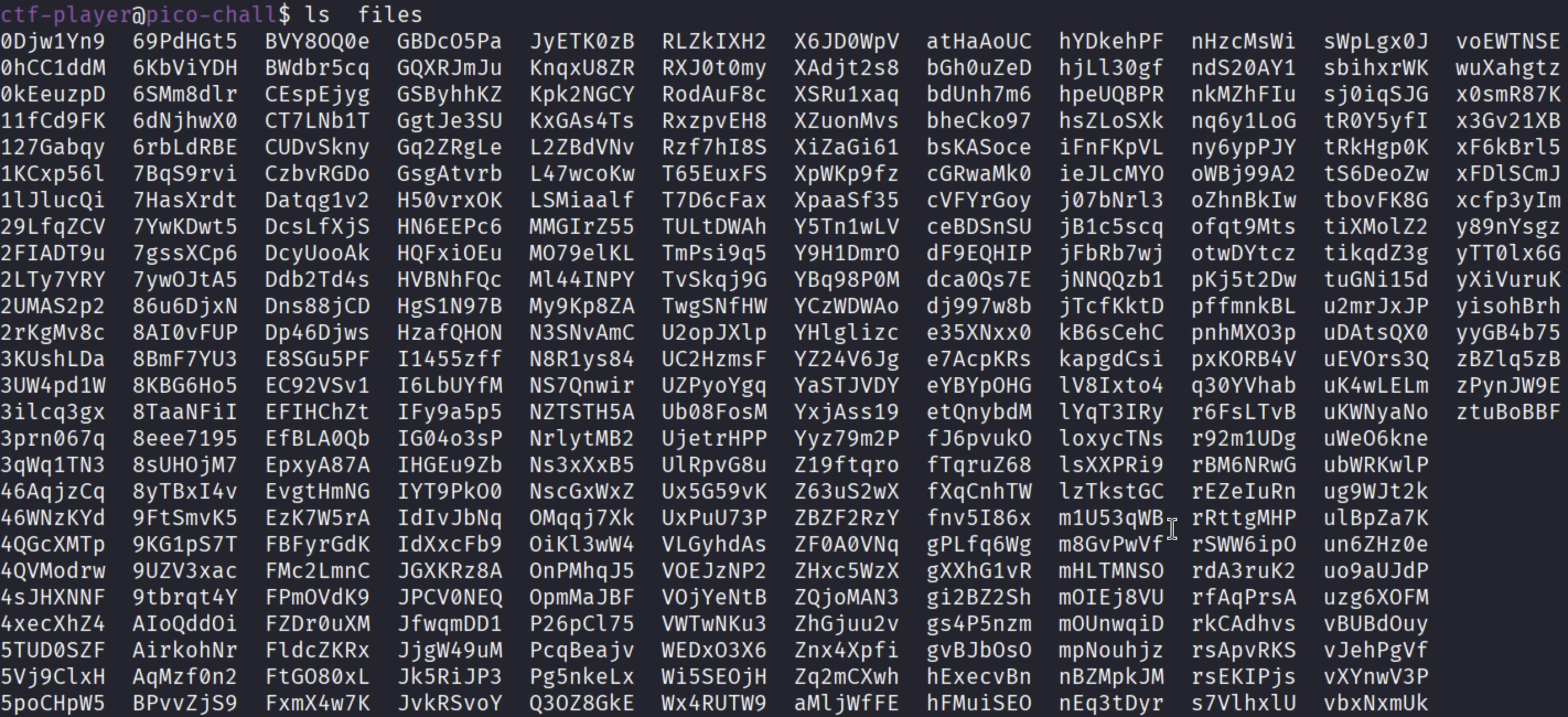
- That’s a lot files!, now there are 2 ways which can be solved.
Method 1: File Type Identification(Quick Identification)
The first way is that I simply used the “file” command to display the file type of every file in the “files directory”.
1
 file *
- After closer look at the report I found out that, one of the file contained the “openssl enc’d data with salted password”, now this file would be perfect for the decrypter shell program.
Running the Shell Program and giving the file name as the particular input.
1
 ./decrypt.sh files/8eee7195

- After running it, it gave the flag as the output.
Method 2: SHA-256 Hash Verification(Intended Solution)
Since the challenge involved with hashing, and the hashing used was SHA-256, I simply used the “sha256sum” command.

Since the given hash was from the “checksum.txt”, I simply checked the hash of the whole directory using the following command.
1
 sha256sum files/*
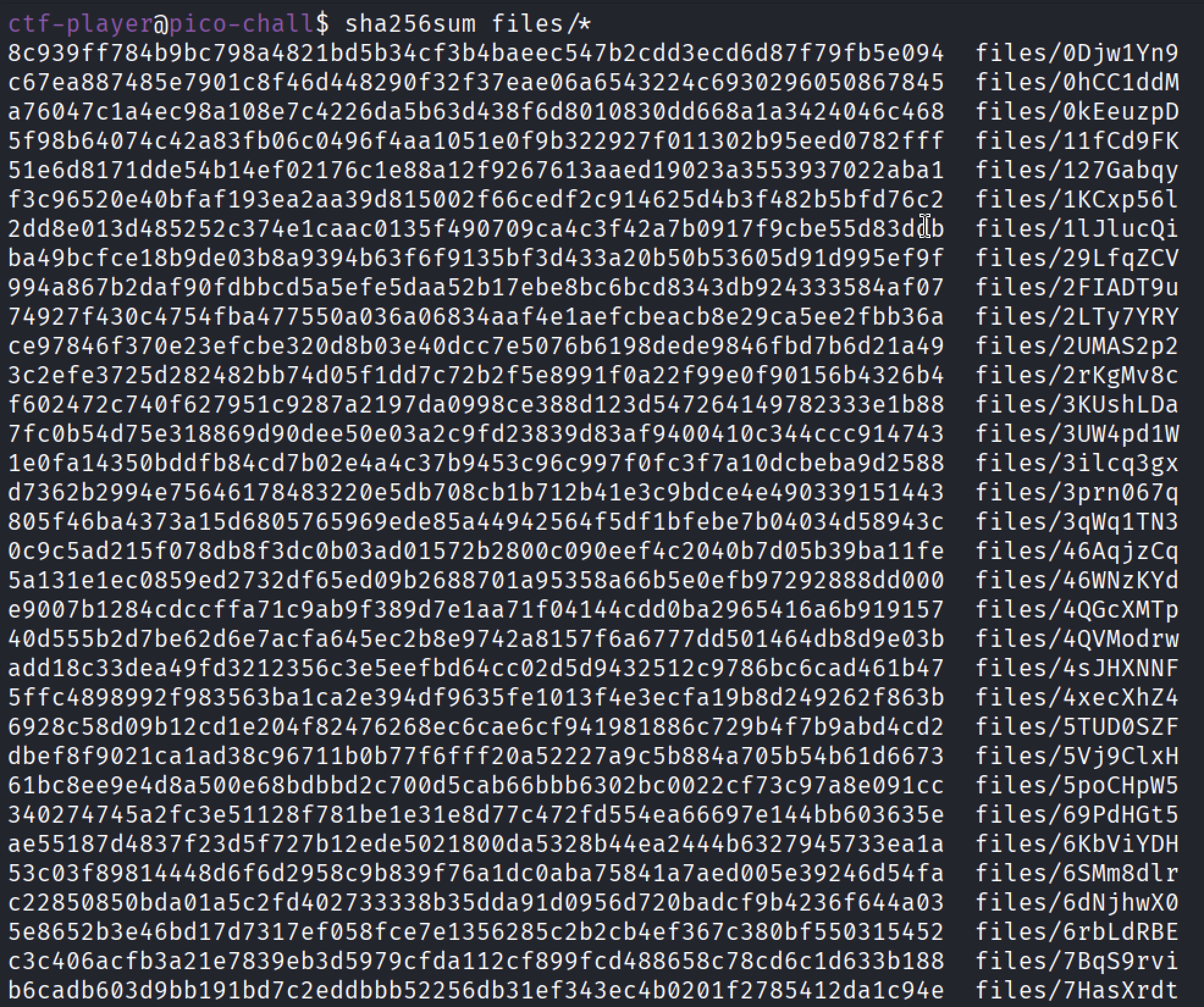
By Looking it manually would be time consuming, so I just copied the hash from the “checksum.txt” and then piped the output to the “grep” command along the given hash.
1
 sha256sum files/* | grep -w <given hash>

This revealed the file which is having the same hash, now simply using the decrypter shell program would reveal the flag.
Finally the flag has been revealed.
1
 picoCTF{trust_but_/assets/img/Verify-photos_8eee7195}
Conclusion
This challenge effectively reinforces the importance of verification over assumption. While file inspection can provide quick hints, cryptographic hash verification ensures authenticity and prevents deception. By leveraging SHA-256 checksums and basic Linux utilities, the correct encrypted flag file was confidently identified and decrypted.
The challenge is a great practical demonstration of the principle:
“Trust, but Verify.”
Thank You
Thank you for taking the time to read this write-up!
I hope it was clear, informative, and helpful for understanding both the challenge and its intended solution path. Happy hacking and keep learning! 🚀